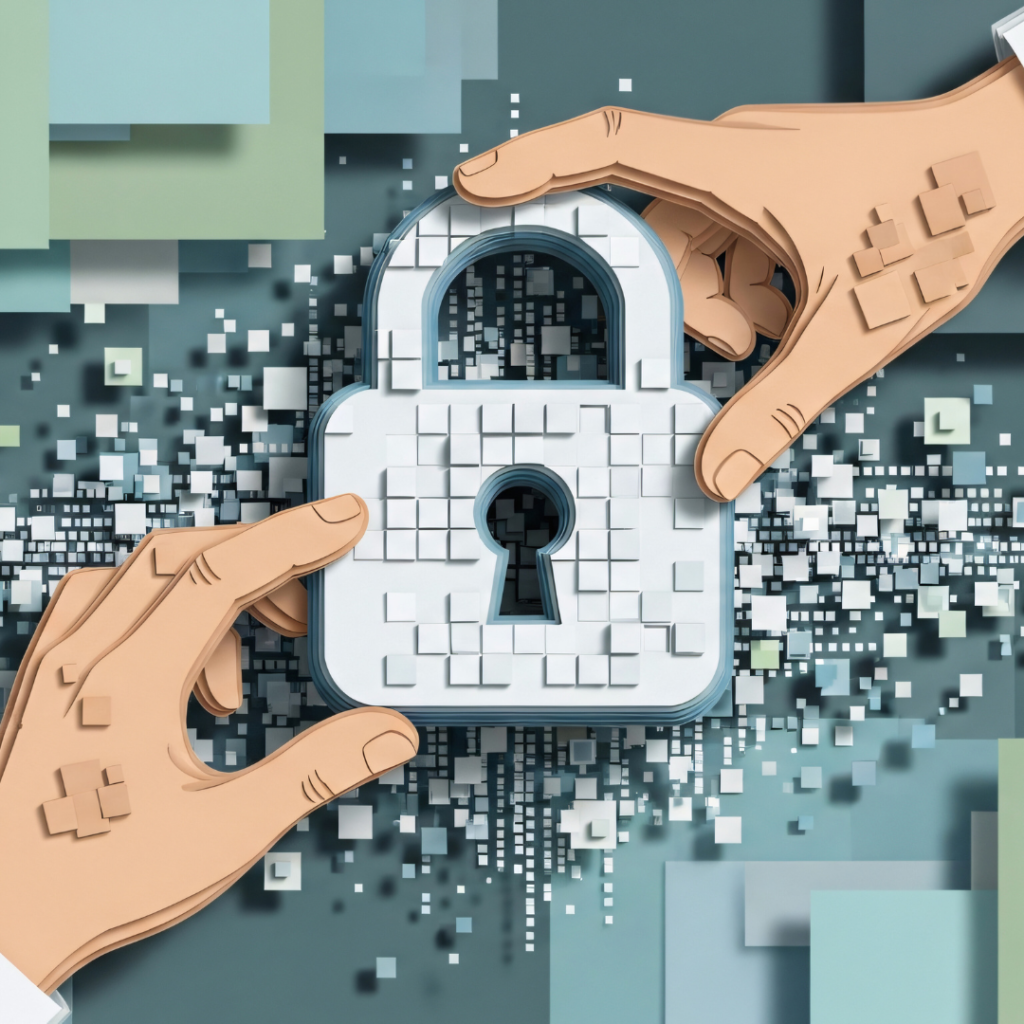
The Basics of Cybersecurity Every User Should Know: Essential Tips for Staying Safe Online
Cybersecurity is essential in today’s digital world, where threats can come from many directions. Understanding the basics helps users protect their personal information and devices from common risks.
The basics of cybersecurity every user should know include strong passwords, recognising phishing attempts, and keeping software up to date. These simple steps create a strong foundation against many common cyber threats.
Many people underestimate the risks or believe that cybersecurity is only for experts. However, knowing these fundamentals empowers anyone to reduce their vulnerability and navigate the internet more safely.
Core Principles of Cybersecurity
Cybersecurity involves protecting devices, networks, and data from unauthorised access, damage, or theft. It relies on key principles that ensure information remains safe, accurate, and accessible when needed.
What Is Cybersecurity?
Cybersecurity is the practice of defending computers, servers, mobile devices, electronic systems, and data from digital attacks. It overlaps with information security but focuses more on protection against cyber threats like hacking, malware, and phishing.
It aims to prevent unauthorised users from accessing sensitive information or disrupting services. This involves technologies, processes, and controls designed to safeguard systems against internal and external risks. The goal is to maintain trust and operational continuity.
The CIA Triad: Confidentiality, Integrity, Availability
The CIA Triad is a foundational concept in cybersecurity. It comprises three core principles:
- Confidentiality: Ensuring that data is accessible only to authorised individuals. Techniques like encryption and access controls protect sensitive information.
- Integrity: Maintaining the accuracy and completeness of data. This prevents unauthorised alterations that could harm decision-making or operations.
- Availability: Guaranteeing that data and systems are accessible when needed. This involves protecting against outages caused by attacks, hardware failures, or natural disasters.
Together, these principles guide cybersecurity strategies to protect information throughout its lifecycle.
Why Cybersecurity Is Essential
Effective cybersecurity protects personal privacy, financial assets, and organisational reputation. Cyberattacks can cause financial loss, data breaches, and service disruptions.
As cyber threats become more sophisticated, understanding cybersecurity basics helps users recognise risks and adopt safer behaviours. Organisations depend on cybersecurity to comply with regulations and prevent costly incidents.
Without basic cybersecurity measures, sensitive data is vulnerable, making strong protections a critical part of everyday digital activity.
Common Cybersecurity Threats
Cyber threats take many forms and exploit different vulnerabilities in systems and human behaviour. Understanding specific types of attacks helps users recognise and respond effectively to potential dangers.
Malware: Viruses, Worms, Trojans, and Spyware
Malware is malicious software designed to damage, disrupt, or gain unauthorised access to computer systems. Viruses attach themselves to legitimate programmes and files, spreading when those files are shared. Worms replicate independently across networks without needing to attach to files.
Trojans disguise themselves as harmless software but deliver harmful payloads once installed. Spyware secretly collects user information like browsing habits, passwords, or financial details without consent.
Users should keep antivirus software updated and avoid downloading unknown files, as malware often enters through infected attachments and software.
Phishing and Social Engineering Attacks
Phishing attacks trick users into revealing sensitive information by posing as reputable entities through emails, messages, or websites. These phishing scams often use convincing tactics such as fake email addresses, urgent requests, or seemingly official logos.
Social engineering manipulates people into breaking security protocols. Common methods include false tech support calls, pretexting, and baiting with fake incentives.
Recognising suspicious links and verifying requester identity before sharing data is essential to avoid these cyber threats.
Ransomware and Data Breaches
Ransomware is malware that encrypts a user’s data and demands payment for its release. This attack type paralyses access to important files, affecting individuals and organisations alike.
Data breaches involve unauthorised access to sensitive business or personal information, often through weak security or phishing attacks. Breached data can include passwords, credit card details, or private records.
Regular data backups and strong password management reduce risks from ransomware and data breaches.
Denial-of-Service Attacks
Denial-of-Service (DoS) attacks overwhelm a server, network, or website with excessive traffic, making it unavailable to users. A Distributed Denial-of-Service (DDoS) attack uses multiple compromised devices to increase impact.
These attacks can disrupt business operations and online services, sometimes masking other malicious activities.
Implementing firewalls and traffic monitoring helps mitigate the effects of DoS attacks.
Fundamental Cybersecurity Practices
Understanding the core steps to protect personal and work information is essential for all users. Key actions include managing access credentials wisely, adding extra layers of security, and ensuring devices run the latest, safest software versions.
Strong and Unique Passwords
Using strong passwords is the first defence against unauthorised access. A strong password typically consists of at least 12 characters combining uppercase letters, lowercase letters, numbers, and symbols. It should avoid easily guessed details like birthdays, common words, or simple sequences.
Each account should have a unique password. Reusing passwords across multiple sites increases risk because one breach can expose numerous accounts. Users should avoid writing passwords down in plain text or storing them in unprotected locations.
Regularly changing passwords is less critical than creating strong, unique passwords initially, but updates are advisable if there is suspicion of a data leak or breach.
Utilising Password Managers
Password managers store and organise complex passwords securely, eliminating the need to remember each one. They can generate strong, random passwords for every account, significantly improving overall security.
These tools encrypt password data and require only one strong master password for access. Many password managers also alert users about weak, reused, or compromised passwords.
Using a trusted password manager helps prevent weak password habits. Some applications sync passwords across devices, supporting both computers and smartphones, which adds convenience without compromising security.
Enabling Two-Factor Authentication
Two-factor authentication (2FA) adds a second verification layer beyond passwords. Common 2FA methods include authentication apps, SMS codes, or hardware tokens.
When 2FA is enabled, even if a password is stolen, an attacker cannot access an account without the second factor. This significantly reduces the risk of unauthorised access.
Users should activate 2FA on all accounts that offer it, especially important services like email, banking, and social media. Authentication apps are preferred over SMS because they are less vulnerable to interception.
Keeping Software and Devices Updated
Regularly updating operating systems, applications, and devices is critical to patching security vulnerabilities. Cybercriminals exploit outdated software to gain access or control.
Most modern devices support automatic updates, which should be enabled to ensure timely security patches without user intervention. This includes antivirus software, firewalls, and browsers.
Neglecting updates leaves systems open to malware and hacking attacks. Monitoring update notifications and applying them promptly is a simple yet effective cybersecurity tip every user should follow.
Ensuring Online and Device Security
Maintaining online and device security requires specific practices focused on protecting data and privacy. Users must be vigilant about network connections, software defence tools, and safeguarding cloud and mobile environments. Employing encryption adds an extra layer of protection for sensitive information.
Public Wi-Fi and the Role of VPNs
Public Wi-Fi networks are often unsecured, making data vulnerable to interception by cybercriminals. Users should avoid accessing sensitive information or performing financial transactions on open Wi-Fi.
A Virtual Private Network (VPN) encrypts internet traffic, masking the user’s IP address and location. This prevents attackers on the same network from eavesdropping on data exchanges. It also adds privacy when browsing or using apps.
Choosing a reputable VPN provider that does not log activity is crucial. Regularly updating VPN software ensures protection against emerging threats.
Using Antivirus Software and Firewalls
Antivirus software detects, blocks, and removes malicious programs that can compromise a device. It should be installed on all devices and kept up to date with the latest virus definitions.
Firewalls act as a barrier between a trusted internal network and untrusted external networks. They monitor inbound and outbound traffic, blocking suspicious connections. Many modern firewalls include intrusion detection systems (IDS) to identify unusual activity, alerting users to potential breaches.
Together, antivirus and firewalls form a strong defence against malware, ransomware, and hacking attempts. Regular system scans and firewall configuration reviews reinforce online security.
Securing Cloud Storage and Mobile Devices
Cloud storage convenience comes with risks if security is neglected. Users must employ strong, unique passwords and enable multi-factor authentication (MFA) on cloud accounts. Checking privacy settings limits unwanted data sharing.
Mobile devices are frequent targets due to constant internet access and app installations. Users should keep operating systems updated and download apps only from official stores. Using device encryption and screen locks prevents unauthorised access if devices are lost or stolen.
Backing up important data to secure cloud services or local storage ensures recovery after incidents. Awareness of app permissions reduces exposure to personal data leaks.
Encryption for Data Protection
Encryption converts data into unreadable code that can only be accessed with a decryption key. It is essential for protecting sensitive information both at rest and in transit.
Email services, messaging apps, and cloud providers offer end-to-end encryption to ensure only intended recipients can read communications. Encrypting hard drives and mobile storage protects data if devices are lost or stolen.
Adopting robust encryption standards, such as AES-256, increases resistance against attacks. Users should verify whether services use strong encryption protocols before transmitting or storing confidential data.